
Placing an order through the McDonald’s app is quick, but life moves quicker sometimes: a change of plans, a wrong item added, or a pickup spot that suddenly does not work anymore. If you need to cancel McDonald’s App order right now, the good news is that it is possible, but only within a specific window.
To cancel McDonald’s app order, open your order details and tap the “Cancel Order” button. But there is something that you need to do before the kitchen prepares your order. Once the preparation starts, you can’t cancel your order through the application. You’ll have to do something else.
Things to Know Before Cancellation
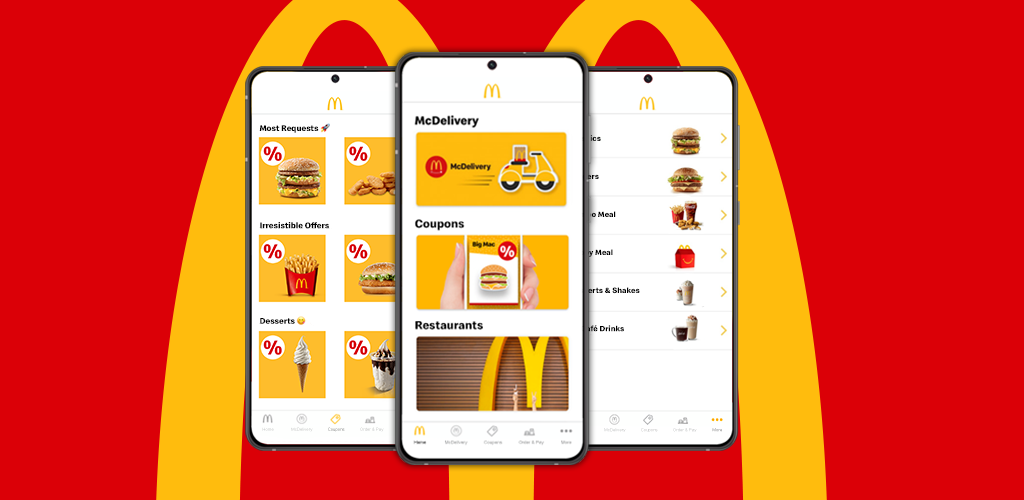
McDonald’s provides a good insight into Mobile Order & Pay, and knowing this beforehand can save you from the trouble of disappointment. This is what determines the success of your cancellation.
- Timing is everything. Cancellation only works before your order starts being prepared. Once it does, the Cancel Order button disappears entirely.
- Payment is charged immediately. Your card is charged the moment you place the order, not when you pick it up, so a canceled order results in a refund rather than avoiding a charge altogether.
- Orders can’t be edited after payment. If you need to change an item rather than cancel the whole order, you will need to cancel and reorder instead.
- Ready On Arrival locations work differently. At these restaurants, your order only transmits to the kitchen once your phone’s GPS detects you are nearby, so an order never sent never gets prepared in the first place.
- Delivery orders follow separate rules. If your app order was fulfilled through Uber Eats or DoorDash, cancellation has to go through that delivery partner, not McDonald’s directly.
With those details in mind, here’s exactly how to cancel, depending on which type of order you placed.
How to Cancel McDonald’s App Order?
If you are ordering for pickup, drive-thru, curbside, or table service, this is the process to follow.
Step 01: Open the McDonald’s app and go to your current order.
Step 02: Tap Order Details to view your active order.
Step 03: Look for the Cancel Order button. If it’s visible, your order hasn’t started preparation yet.
Step 04: Tap Cancel Order and confirm when prompted.
Step 05: If the button is not there, your order has already entered preparation. In that case, contact the restaurant directly using the number found through the Restaurant Locator on McDonald’s website.
How to Cancel McDonald’s App Delivery Order?
Delivery orders placed through the McDonald’s app are actually fulfilled by a third-party partner, which changes who you need to contact.
Step 01: Open your order confirmation and check the Vendor Name listed on the order.
Step 02: If it shows Uber Eats, contact their support line at 1-866-987-3744.
Step 03: If it shows DoorDash, contact their support line at 1-833-510-0332.
Step 04: Explain that you’d like to cancel the order, and ask about eligibility for a refund based on how far along the order is.
Why Cancellation Can Be Challenging?
The narrow cancellation window exists for a practical reason. Once a kitchen starts preparing food, that inventory is already committed, so McDonald’s does not offer a way to reverse it through the app at that point.
Delivery orders introduce another level of friction to the process, as the delivery of the order is handled by Uber Eats or DoorDash, not McDonald’s, and cancellation must be done through an entirely separate support process compared to a normal pickup order.
Ready On Arrival restaurants have been known to cause confusion as well, as customers who expect their orders to be delivered immediately after pressing the submit button do not account for GPS validation of their order.
Alternative Options
If canceling outright is not quite what you need, a couple of other paths might solve the problem instead.
- Switch your pickup method. On the Order Tracker page, select the option to change how you would like to receive your order rather than canceling it entirely.
- Contact the restaurant for a partial fix. If only one item is wrong rather than the whole order, restaurant staff can sometimes resolve it directly without a full cancellation.
- Let a Ready On Arrival order expire naturally. If you are at a ROA location and simply won’t make it, staying out of range means the order never transmits to the kitchen in the first place.
What to Expect After Cancellation?
Once your cancellation goes through, McDonald’s begins processing your refund back to the original payment method used at checkout. Processing times vary by bank, though many refunds are commonly reported to land within a business week or so.
In case your order has started preparation and you have to get in touch with the restaurant directly, the time of the refund will vary from one restaurant to another because it has been taken outside the app.
Be sure to keep track of your account activity no matter what approach you have chosen. In case there is no refund within a reasonable period of time, contacting the restaurant or McDonald’s support will help to complete the process.
Conclusion
This sums up all that is required to cancel McDonald’s app order, be it prior to the commencement of its preparation process or even later if you have to involve the restaurant or a third-party delivery provider at some point. The key element in this entire process is being quick. If you are ever unsure whether cancellation is still possible, checking for the Cancel Order button in your order details gives you the answer immediately, no guessing required.
FAQs
1- Can I cancel just one item from a McDonald’s app order instead of the whole thing?
No, the app only supports canceling the entire order. If you need to remove one item, canceling and placing a new order is the only option.
2- Will I be charged again if I cancel and reorder?
No, canceling refunds your original charge separately, and your new order is billed as its own transaction.
3- What happens if I forget to pick up my Mobile Order & Pay order entirely?
Many locations automatically refund orders that are never collected, though this can vary by restaurant, so following up directly is worth doing if it does not happen on its own.
4- Can I cancel an order placed directly through Uber Eats or DoorDash’s own app instead of McDonald’s app?
Yes, but you will need to manage that cancellation through Uber Eats or DoorDash directly, since it wasn’t placed through McDonald’s platform.
5- Does canceling an order affect any rewards points I earned or redeemed?
Usually, the points associated with the canceled order are canceled along with the refund, but you can always check the balance of MyMcDonald’s Rewards to make sure.
