
Music lovers often try different platforms and compare them. Deezer is one such platform. Are you a music lover who owns a Deezer subscription and is planning to cancel it for whatever reason? The question that strikes your mind is: How to cancel Deezer subscription?
Cancelling your Deezer Subscription solely depends on how you originally signed up for the service. You can cancel your subscription via its website, through iPhone, Android, PayPal automated payments, and the mobile app.
Things To Consider Before Cancelling Deezer Subscription

While you are planning to cancel your Deezer subscription, there are a few things you must consider so that you won’t end up paying extra charges later on. Let’s check these things briefly.
1. The 48-hour Rule: Ensure cancelling your Deezer subscription at least 48-hour to avoid being charged for the next billing cycle.
2. Loss of Promotional Rates: If you have a special discounted or legacy plan, you will lose that specific rate permanently if you resubscribe later.
3. Pausing Instead of Cancelling: If you just want to pause your subscription, check your account settings- Deezer offers an option to halt your subscription for 1-3 months rather than cancelling forever.
How To Cancel Deezer Subscription?
If you know your billing source, you can easily cancel your Deezer Subscription. Now let’s jump on to the various methods and the steps involved to cancel it.
How to Cancel Deezer Subscription via Deezer Website?
This is the most reliable and highly recommended method of cancelling a Deezer subscription. Follow the steps below to cancel via the Deezer website:
1. Go to Deezer and sign in.
2. Click on your Profile Picture at the top right.
3. Select Account settings.
4. Click Manage My Subscription.
5. Click Cancel My Subscription.
6. Pick a reason and click Confirm.
How to Cancel Deezer Subscription on IPhone/IPad?
Follow the steps below to cancel Deezer subscription on your iPhone or iPad:
1. Navigate to Settings on your device.
2. Tap your Name at the top.
3. Tap Subscriptions.
3. Select Deezer from the list.
4. Tap Cancel Subscription and confirm.
How to Cancel Deezer Subscription on Android (Google Play)?
Follow the steps below to cancel Deezer subscription on your Android device:
1. Open the Google Play Store app.
2. Tap your Profile Icon in the top right corner.
3. Go to Payments and Subscriptions, then Subscriptions.
4. Choose Deezer.
5. Tap Cancel Subscription and follow the on-screen steps.
How to Cancel Deezer Subscription via PayPal Automatic Payments?
Follow the steps below to cancel your Deezer subscription via your PayPal account:
1. Sign in to your PayPal account.
2. Click the Gear Icon in the top right corner.
3. Go to Payments and select Manage Automatic Payments.
4. Choose the Deezer entry and click Cancel.
What To Expect After Cancelling Your Deezer Subscription?
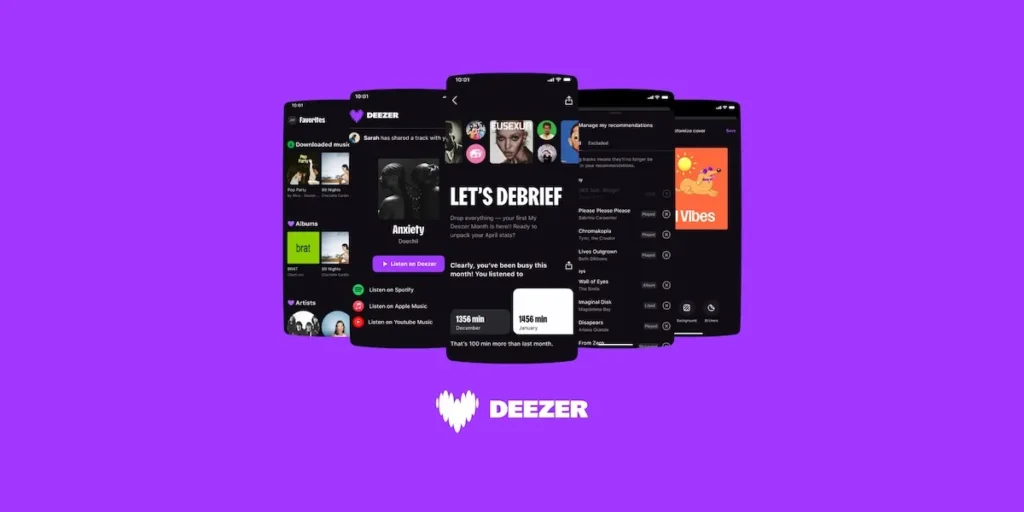
The question that comes to mind is: what to expect after cancelling Deezer subscription? Here is what you usually should expect:
1. Email Confirmation: You will immediately get an email confirming your cancellation. Keep this email for future reference.
2. No Access to Downloaded Music: After cancellation, your Deezer account will move to Deezer Free, and all your downloaded music will not be playable offline.
3. Audio Quality: You lose access to High-Fidelity (HiFi) audio quality and move back to standard-definition streaming.
4. Barred from Using Certain Features: You will see all your content, playlists, and favorite tracks, but you will not be able to use certain features like unlimited skips, downloading, and offline listening, as they are available only to paid subscribers.
Alternative Options
Here is a list of a few other music streaming services with better features that might suit your pocket as well. Let’s go through them.
- Spotify: It’s the best for music discovery, personalised playlists, and cross-platform compatibility, featuring a robust ad-supported tier.
- Apple Music: It’s an ideal option for users in the Apple ecosystem, with lossless tracks and spatial audio. It supports a huge library of over 120 million songs without ads.
- Tidal: It is a very good option for users who want high-resolution lossless audio and Dolby Atmos sound quality.
- Qobuz: It is a must-have option for purists seeking 24-bit hi-resolution streaming, and you can also digitally download albums directly.
- Amazon Music Unlimited: Great option for Prime members who want spatial audio and deep integration with Alexa devices
Conclusion
As we have come to the end of this article, we have gathered enough information on how to cancel Deezer subscription via its website/app and also through different billing providers. Keep in mind the key things to consider before cancelling your subscription. Now, you are also familiar with great alternatives to opt for if you are still seeking another online music streaming service with great features. Don’t stop enjoying your favorite playlists.
FAQs
1. Is the Deezer subscription better than Spotify?
If you are an audiophile who prefers an endless, hands-free personal stream like Flow, then choose Deezer. But if you love social sharing, custom playlists, and deep integration with the TV, car systems, then Spotify is the best fit for you.
2. How can I cancel my Deezer subscription online?
You can cancel your Deezer subscription online through your Deezer account, navigate to account settings, click Manage My Subscription, and then click Cancel My Subscription. Pick a reason and then confirm your cancellation.
3. Does Deezer offer a lifetime subscription plan?
No, it does not offer a lifetime subscription plan. It operates exclusively on monthly or annual subscription plans.
