
You may have switched to a different card for daily purchases and now realize your Discover card no longer fits your needs. If you have decided to cancel Discover card, then understanding the process could help avoid any inconvenience.
To cancel Discover card, you will need to reach out to Discover either via phone or by mail. It is not possible to close your account online or via their mobile application. But before you make contact, take a moment to review a few important details.
What You Need to Know Before Cancellation

Closing your Discover account differs from some other issuer closures because of a couple of considerations.
- There is no online cancellation possible. Although many guides say otherwise, you can’t cancel an account online through the company’s official website or mobile app.
- Having a balance does not prohibit closure. You can cancel an account with a balance. You will continue making payments as interest accrues until it is paid off.
- The cashback reward will be unredeemed. You should always redeem all rewards you have earned before you cancel, or leave it in Discover’s hands.
- A closed account cannot be reactivated. When you cancel an account, you cannot get that same account back; everything, including the account number, gets canceled.
Also read, How to Cancel UOB Credit Card?
How to Cancel Discover Card?
As discussed above, here are the steps to cancel your Discover card using each method. To cancel your Discover card, first decide how you want to communicate your request. Calling the customer service line connects you with a representative, while writing a letter is another way to express yourself. Here is how each works.
How to Cancel Discover Card via Phone?
This is the method Discover itself points to, and it is by far the fastest way to get it done.
Step 01: Log in to your Discover account online or through the app, and redeem any remaining Cashback Bonus rewards first.
Step 02: Call 1-800-DISCOVER (1-800-347-2683), the number listed on the back of your card.
Step 03: Verify your identity using your account number, name, address, and the last four digits of your Social Security number.
Step 04: Tell the bank employee you want to close your account permanently.
Step 05: Verify your account balance and ask the bank for confirmation once the process of cancellation is completed.
How to Cancel Discover Card via Mail?
Prefer something in writing from the start, or just do not want to sit on hold? A mailed request works too, though it takes longer to process than a phone call.
Step 01: Write a short, clear letter stating your intent to close the account, including your full name, account number, and current address.
Step 02: Send it to the customer service address listed on your Discover statement or found through Discover’s official Contact Us page.
Step 03: Consider sending it by certified mail so you have proof of delivery.
Step 04: Follow up by phone after a couple of weeks if you haven’t received written confirmation.
Alternative Options
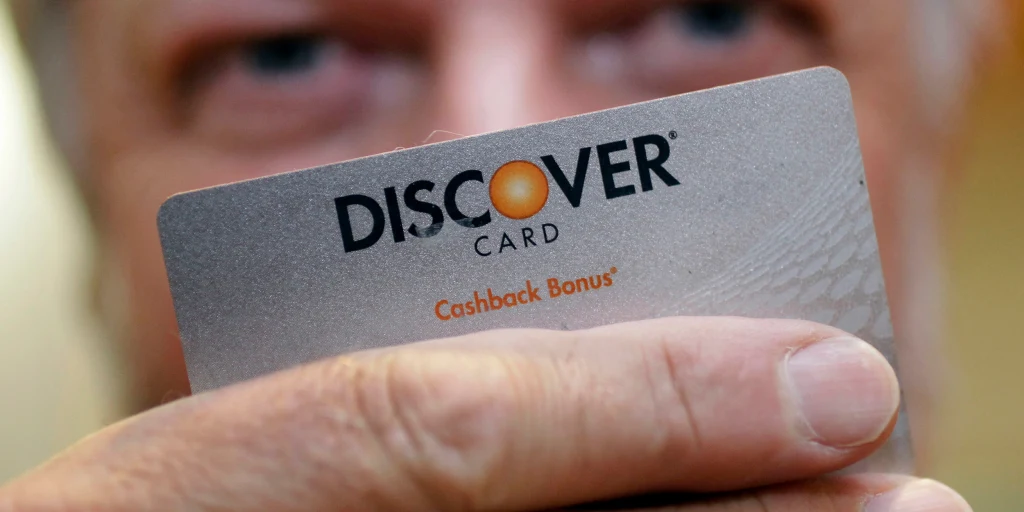
Not sure yet whether cancellation is the best course of action? There are some alternatives between “stay subscribed” and “cancellation.”
- Just stop using it. If there is no annual fee, keeping the account open but unused leaves your credit history and available credit untouched at no cost.
- Downgrade to a non-annual fee card. If the annual fee is your biggest problem, find out whether Discover will let you switch to a card without one.
- Ask for a retention offer. Discover may offer you an incentive to stay with the account when you tell them you are thinking about canceling.
What to Expect After Cancellation?
The moment the closure request has been handled, the account no longer accepts any new charges. The outstanding balance, however, does not vanish from thin air. You continue to receive monthly bills as well as make payments according to the original terms until the balance goes down to nothing.
Closing an account will change the credit utilization rate, in that having lower credit limits will cause an increase in the proportion of utilized credit. In case this is one of the older accounts that you had, the average age of your credit history will drop as well.
Take a look at your credit report around 30 days after you close the account, and ensure that it shows the status of “Closed by Consumer.”
Also read, How To Cancel Dubai First Credit Card? Easy Guide!
Conclusion
This is how you can cancel Discover card. This process has two methods: calling 1-800-DISCOVER or mailing a request. Both methods work, but the former lets you complete the process on the spot.
You should handle all the pre-cancellation formalities of redeeming rewards, clearing or obtaining a statement of the balance, and transferring autopay services to another account before the cancellation process.
FAQs
1- Will I lose my Discover Cashback Bonus rewards automatically if I forget to redeem them first?
Not necessarily. If I fail to redeem my rewards first, Discover will still credit me with the remaining rewards balance, but only if I close my account.
2- Can I close a Discover card that is an authorized user account rather than my own?
No, only the primary account holder can request the account closure. An authorized user can be removed from the card, but can’t close it themselves.
3- Does closing a Discover card affect a linked savings or checking account with them?
No, Discover’s banking products operate separately from its credit card accounts, so closing the card does not impact any other Discover account you hold.
4- How long does it typically take for a mailed closure request to process?
It generally takes longer than a phone request, often a few weeks, since it depends on mail delivery and manual processing on Discover’s end.
5- Can I get a replacement physical card mailed to me as proof of cancellation instead of a letter?
No, Discover does not issue a physical card as confirmation. A written letter or account notation is the standard proof you will receive once closure is complete.
