
Thinking about closing your Self account? Whether you have finished building your credit, no longer need the service, or simply want to switch to another option, cancelling is straightforward when you know the right steps. In this guide, you will learn exactly how to cancel Self account. Stay tuned.
Cancelling or closing a self account is straightforward but product-specific. Closing one product does not automatically close others. You generally cannot fully delete your “Self Member” data while active accounts remain open.
Things to Know Before Cancelling Self Account
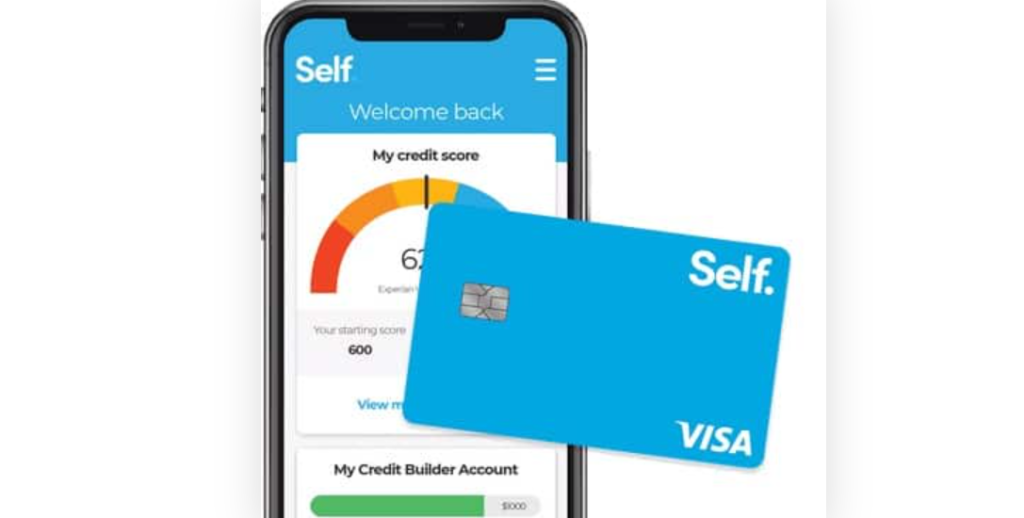
Here are the important things you must know before cancelling your Self Account:
1. Review Your Account Status: Go into the Self app or website. Check remaining balance, payment history, any pending payments, and payout settings. You must be fully aware of your account’s status.
2. Understand Financial Impacts: Payments already submitted, including admin fees, are usually processed and are not reversed. Early closure of a Credit Builder Account may involve a small early withdrawal fee. You receive the principal you have paid. Payouts usually take up to about three weeks.
3. Credit Reporting: Closing an account in good standing is generally reported as closed or paid. Late or missed payments can negatively affect your credit. Self automatically closes accounts after prolonged nonpayment to limit further negative reporting.
4. Disable Extras: If you have Platinum Protection or similar add-ons, disable them separately in the app.
Also read, How To Cancel Peoples Gas Subscription/Membership?
How To Cancel Self Account?
The easiest, and rather the only, way to cancel your Self Account is by calling their automated phone system.
1. Call 877-883-0999 and select option 1.
2. Verify your identity. If calling from a number not on file, you will need extra verification.
3. Confirm your account details when prompted.
4. Choose option 4 to close the account.
5. Follow the remaining prompts for information on reporting and your payout.
The account typically closes within 24 hours. This action is irreversible once initiated. After closure, log into your Self account to monitor the payout tracker and confirm your payout method or settings. Any previously submitted payments will still process.
Alternative Options
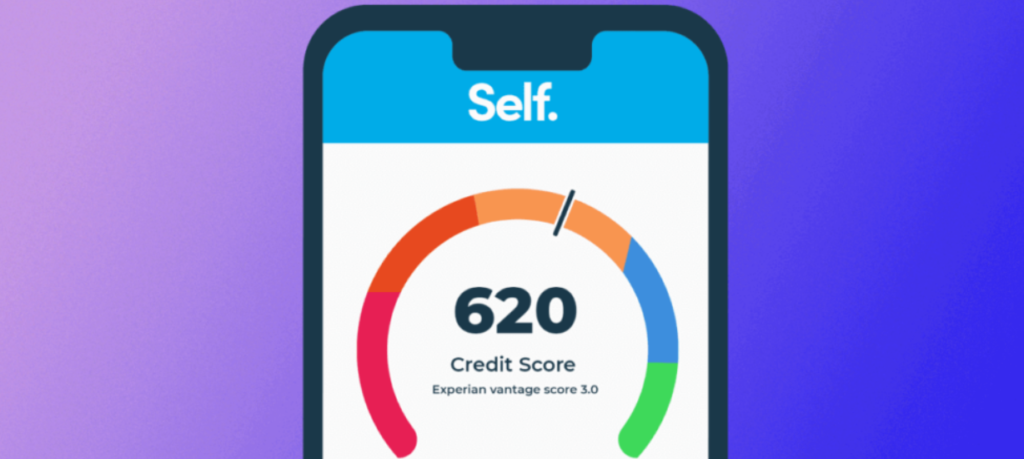
After canceling a Self Financial Credit Builder Account or related products, several alternatives can help continue building or maintaining credit. Here are the alternative options you can try:
1. Kikoff Credit Account: This is a low-cost option. You are charged a $5 per month flat fee. You are charged no interest. It provides a revolving-style credit line, often around $750, usable in their store. Kikoff Credit Account is frequently cited as one of the cheapest paid alternatives.
2. Credit Strong: You can opt for Credit Strong, including the Magnum tier. They offer installment loans with flexible terms. They can offer larger payback amounts compared to Self’s typical ceiling.
3. MoneyLion Credit Builder Plus: This card is available at around $19.99 per month membership with a credit-builder loan component. It may include extras like cash advances or monitoring. It is useful for those wanting additional financial tools.
What to Expect After Cancelling Self Account?
Here is what you can expect after cancelling Self Account:
1. Once you initiate cancellation via the automated phone system, the account should close within 24 hours. This step is irreversible. Any payments already submitted will still process and will not be reversed.
2. Log in to your Self account afterward to review payout settings, disable add-ons like Platinum Protection if needed, and monitor progress. A payout tracker typically appears in the dashboard within 24 hours of closure or maturity.
3. The account is reported as closed. Positive payment history remains on your reports for years and continues to benefit you. However, monthly reporting of new payment activity stops.
4. The specific closed account cannot be reopened. You may apply for a new Credit Builder Account later, which would appear as a separate tradeline.
Also read, How To Cancel My CheckMyFile Subscription?
Conclusion
In conclusion, canceling a Self Financial Credit Builder Account is a straightforward process handled primarily through Self’s automated phone system, after which the account typically closes within 24 hours. You can expect a payout of the funds you have paid in, minus interest, fees, and any applicable deductions, within roughly three weeks. In this article, I have provided you with a step-by-step guide on how to cancel Self Account. Read the article to know more about it.
FAQs
1. Can I cancel my Self account through the website?
No. Official guidance indicates the Credit Builder Account cannot be fully closed via the website or app. Use the phone system for cancellation. The website is useful for updating payout details, managing payments or subscriptions, tracking status, and requesting data deletion after accounts are closed.
2. What happens to my money after I cancel?
You will receive a payout equal to the amount paid in, minus interest, fees, any early withdrawal penalty, and other applicable deductions. Payouts generally arrive within about three weeks via direct deposit, debit card, or check.
3. How do I delete my Self data or fully end my relationship?
After closing all active products, submit a data deletion request through the Self website form or by contacting them in writing. Data deletion may terminate member status but does not erase prior credit reporting.

A tech and finance writer specializing in clear, insightful content for both B2C and B2B clients, she covers the full range of technology and finance, from consumer gadgets, digital trends, and personal finance to enterprise solutions, fintech, and industry strategy. She also writes about and explores health and medicine, translating complex medical and wellness topics into accessible, practical insights that help readers make informed decisions about their well-being.